
Unity Lights Troubleshooting Guide
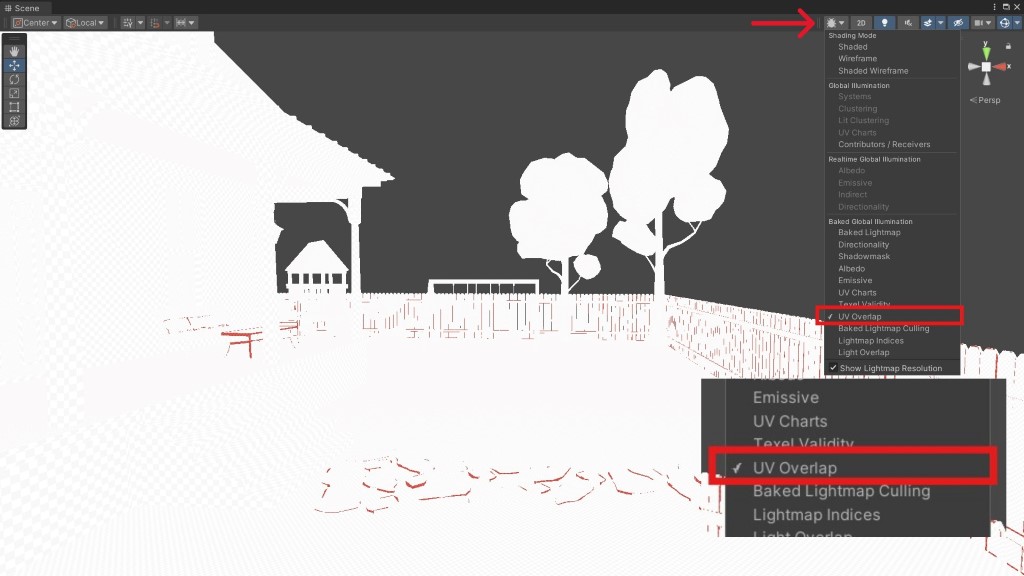
Multiple things can go wrong when baking lights in the Unity Game Engine. Some objects may still be dark after baking, some areas may not receive enough light, or shadows may appear off. Before you do any troubleshooting, there are a few concepts you should know before baking lights in Unity.
Reflection Probes in Unity: How to Get the Most Out of Them
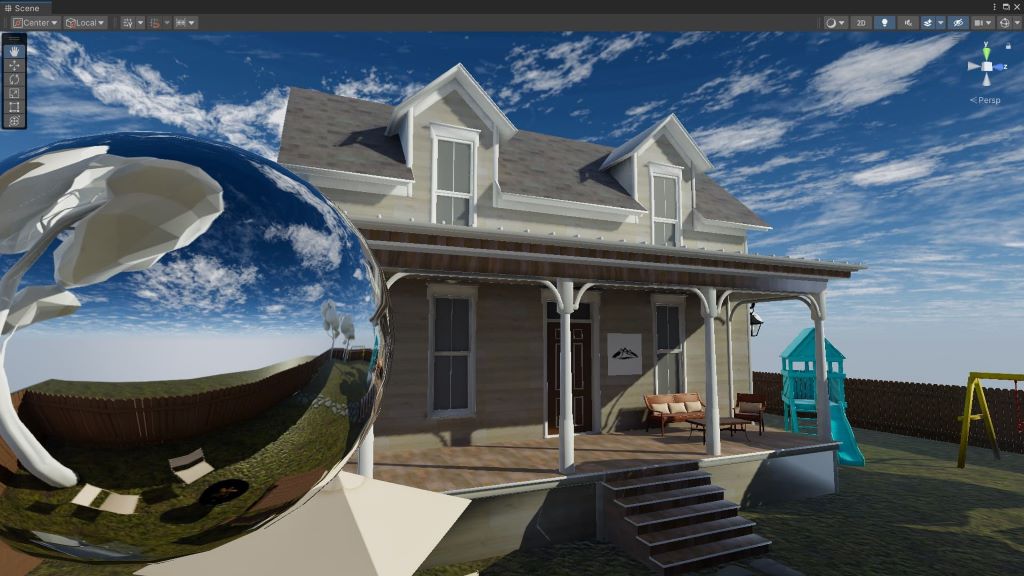
Reflections in Unity behave differently from reflections in the real world. Real-world reflections occur when light bounces off smooth, polished surfaces. The Unity Game Engine simulates this behavior using reflection probes.
5 Reasons Why Objects in Unity are Still Dark After Baking Lights
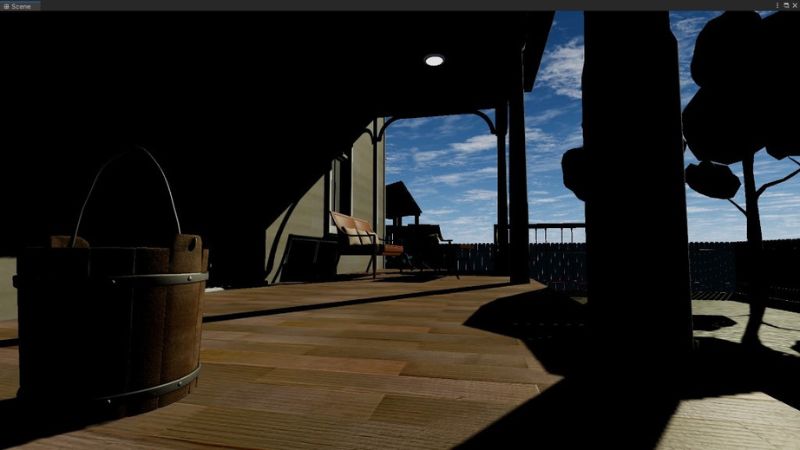
Baking lights in Unity doesn’t always yield the desired results. One common issue you might run into is objects in your level appearing darker than expected, sometimes even darker than they were before baking lights.
A Game Developer’s Guide to Dates & Times in C#

Metal Gear Solid 3: Snake Eater had a creative feature that few expected when it was released on the PlayStation 2 back in 2004. It had a boss fight where, if you closed the game and didn’t play it for two weeks, the boss would die of old age, and you’d proceed to the next level.
A Game Developer’s Guide to Methods in C#

Methods, sometimes called functions, perform actions in a game. If you want the player to run, jump, attack, heal, reload, or perform any other action, you’ll most likely use one. Methods are named using verbs - words that represent actions.
A Game Developer’s Guide to Lists & Arrays in C#

Inventory items. Weapons carried. Checkpoints. These are all groups of related items in a game you should store together, and lists and arrays are the perfect data structures for that. Lists and arrays in C# are examples of collections that store items.
A Game Developer’s Guide to Fields & Properties in C#
Fields and properties tell you more about a class. They’re technically variables, so they’re like mini-storage locations for any information related to the class. Since classes are declared using nouns, think of fields and properties as the adjectives.
A Game Developer’s Guide to Classes in C#

Classes are the building blocks of any game you’ll make in the Unity Game Engine. They interact with each other to create amazing gameplay mechanics. Each class in your game should handle one thing.
A Game Developer’s Guide to Access Modifiers in C#

Access modifiers restrict or authorize access to certain parts of the game you’re building in the Unity Game Engine. For example, you wouldn’t want the player in a fantasy game to swing their sword every time they opened a door.
A Game Developer’s Guide to Loops in C#

Loops are one of the fundamental tools you’ll use when making a game in the Unity Game Engine. You can use them to execute code multiple times without repeating it or to search a collection of items for one that meets a specific criterion.