
2026
Unity Lights Troubleshooting Guide
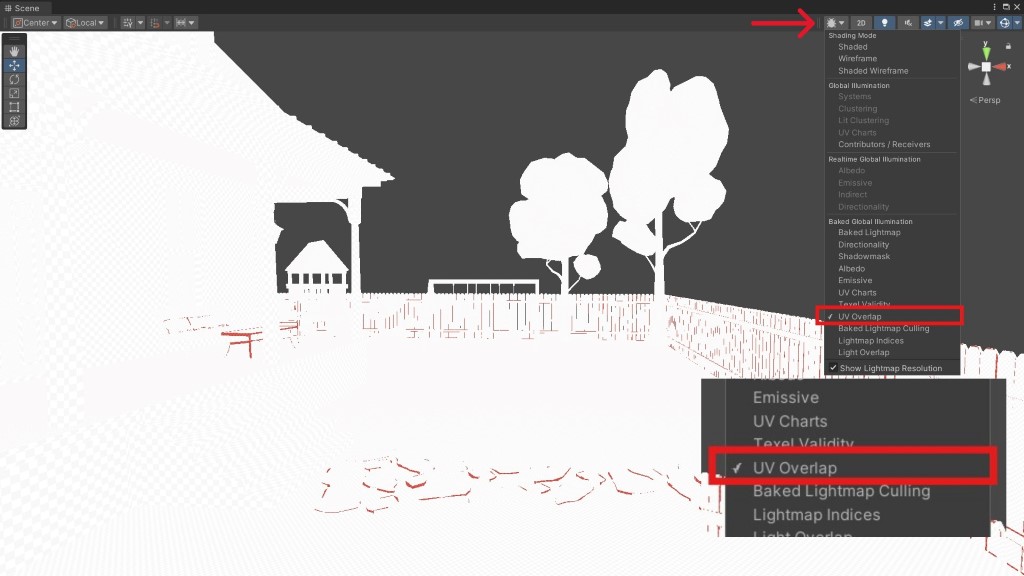
Multiple things can go wrong when baking lights in the Unity Game Engine. Some objects may still be dark after baking, some areas may not receive enough light, or shadows may appear off. Before you do any troubleshooting, there are a few concepts you should know before baking lights in Unity.
Reflection Probes in Unity: How to Get the Most Out of Them
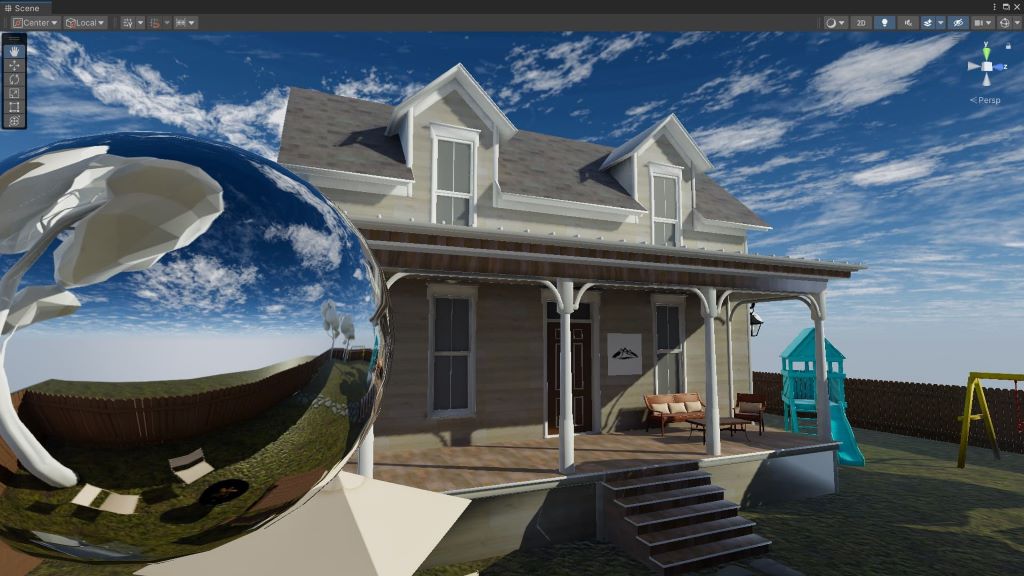
Reflections in Unity behave differently from reflections in the real world. Real-world reflections occur when light bounces off smooth, polished surfaces. The Unity Game Engine simulates this behavior using reflection probes.
5 Reasons Why Objects in Unity are Still Dark After Baking Lights
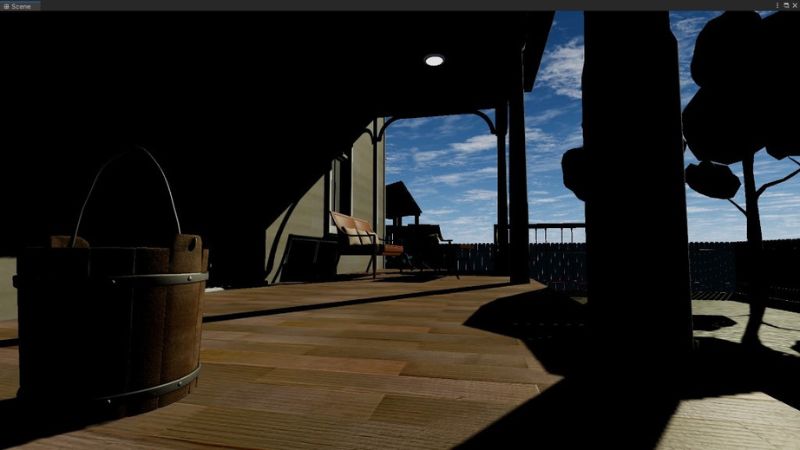
Baking lights in Unity doesn’t always yield the desired results. One common issue you might run into is objects in your level appearing darker than expected, sometimes even darker than they were before baking lights.
A Game Developer’s Guide to Dates & Times in C#

Metal Gear Solid 3: Snake Eater had a creative feature that few expected when it was released on the PlayStation 2 back in 2004. It had a boss fight where, if you closed the game and didn’t play it for two weeks, the boss would die of old age, and you’d proceed to the next level.
A Game Developer’s Guide to Methods in C#

Methods, sometimes called functions, perform actions in a game. If you want the player to run, jump, attack, heal, reload, or perform any other action, you’ll most likely use one. Methods are named using verbs - words that represent actions.
A Game Developer’s Guide to Lists & Arrays in C#

Inventory items. Weapons carried. Checkpoints. These are all groups of related items in a game you should store together, and lists and arrays are the perfect data structures for that. Lists and arrays in C# are examples of collections that store items.
A Game Developer’s Guide to Fields & Properties in C#

Fields and properties tell you more about a class. They’re technically variables, so they’re like mini-storage locations for any information related to the class. Since classes are declared using nouns, think of fields and properties as the adjectives.
A Game Developer’s Guide to Classes in C#

Classes are the building blocks of any game you’ll make in the Unity Game Engine. They interact with each other to create amazing gameplay mechanics. Each class in your game should handle one thing.
A Game Developer’s Guide to Access Modifiers in C#

Access modifiers restrict or authorize access to certain parts of the game you’re building in the Unity Game Engine. For example, you wouldn’t want the player in a fantasy game to swing their sword every time they opened a door.
A Game Developer’s Guide to Loops in C#

Loops are one of the fundamental tools you’ll use when making a game in the Unity Game Engine. You can use them to execute code multiple times without repeating it or to search a collection of items for one that meets a specific criterion.
A Game Developer’s Guide to Enums in C#
Enums in C# store related constants. Despite their storage capabilities, enums aren’t the same as other types in C# used to store many values, such as lists or arrays.
A Game Developer’s Guide to Conditional Statements in C#
Conditional statements control the execution of your Unity game’s code, a programming concept known as control flow. One of the simplest use cases for conditional statements is moving the character in a game you’re building in the Unity Game Engine.
A Game Developer’s Guide to Booleans in C#

Booleans in C# are like on/off switches. They’re often used with conditional statements to control the flow of your code’s execution. Booleans can only be one of two values: true or false.
Baking Lights in Unity Taking Too Long? 5 Tips to Speed It Up
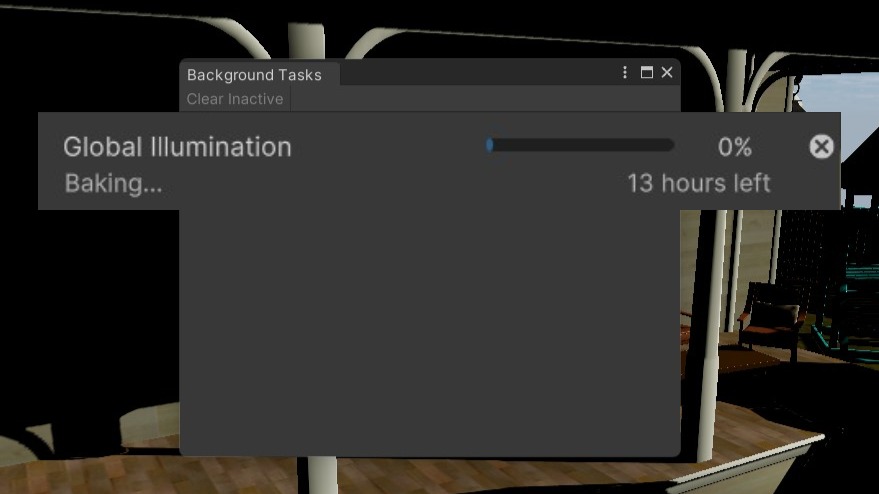
Baking lights in Unity can improve your game’s performance by doing all the lighting calculations before the game runs, but the process can sometimes take a long time to complete.
How to Bake Lights in Unity: A Step-by-Step Guide

Baked lights in Unity offer better performance than realtime lights because all the lighting computations happen before the game runs. They add realism to your game by simulating bounced light and how it lights up different areas in the scene.
Baking Lights in Unity: Everything You Need to Know to Get Started

Different lights in a scene can create a varying atmosphere. These scenarios can be accomplished using the correct lights in the Unity Game Engine, and an important concept when using Unity lights is baking.
Free Music & Sound Effects for Your Unity Games

Music and sound effects (SFX) in video games increase the immersion and create a more believable experience for the player. Good audio doesn’t always come cheap, but there are places where you can find good music and sound effects at no extra cost.
Best YouTube Channels to Learn Unity Game Development

The rise of content creation has made game development more accessible than ever before. Social media these days is filled with content teaching aspiring game developers, but YouTube arguably stands out as the best platform for learning how to make games.
A Game Developer’s Guide to Strings in C#
Whether you’re working with non-playable character (NPC) names or text in your game’s user interface (UI), you’ll most likely run into strings in C#. Strings store and manipulate text.
A Game Developer’s Guide to Operators in C#

If the player in your game picks up some ammo, you’ll need to update the ammo count to reflect this increase. It’s also common to reduce the player’s health whenever they take damage. These are operations that will require operators.
A Game Developer’s Guide to Numbers in C#

From the remaining lives a player has to the health potions in their inventory, every video game deals with numbers at some point or another, so knowing how to work with them in C# is crucial to making a successful game in the Unity Game Engine.
A Game Developer’s Guide to Constants in C#
A constant in C#, the half-brother of a variable, is like a mini storage location for temporary data you’ll reuse when building a video game in the Unity Game Engine. As the name suggests, a constant is a value that stays the same after it is created.
A Game Developer’s Guide to Variables in C#
A variable in C# can be thought of as a mini storage location for temporary data you plan on reusing while building a video game in the Unity Game Engine. Variables are fundamental to any video game and make up a large percentage of the code you’ll write, whether by hand or using visual scripting tools.